

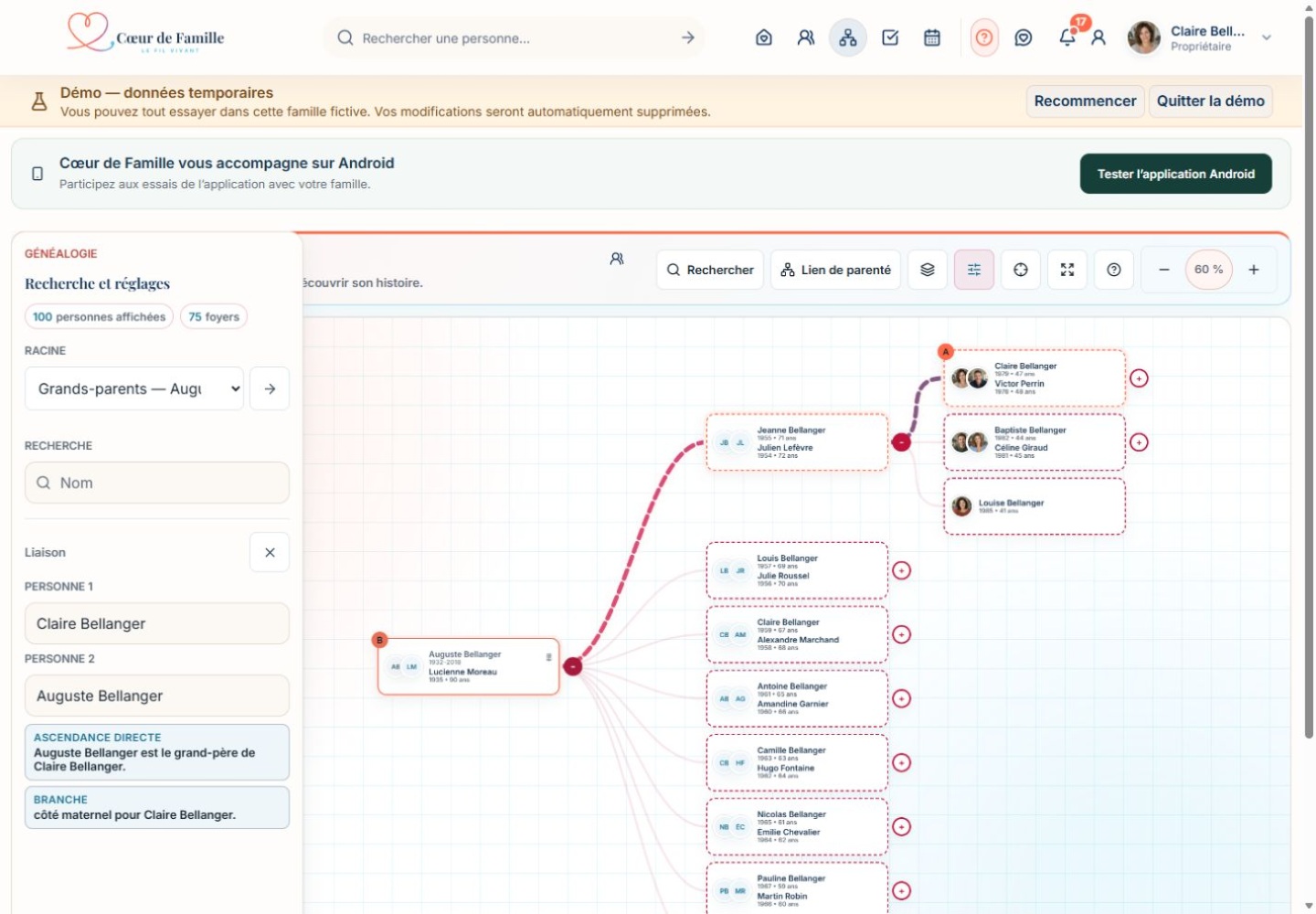
Choose the visible depth without leaving the tree.
A collaborative family tree to explore your family’s relationships
Already built your tree? Import it in GEDCOM format to share it with relatives and enrich it with their memories. You can also start with a few people, then complete the branches together.
- Interactive viewpan, zoom and recentre
- Searchby person or household
- Private treefiltered according to permissions

For genealogists
Import and export your family tree in GEDCOM format
Already built your family in genealogy software? Import its GEDCOM export into Cœur de Famille from the website or mobile app. A preview shows new profiles, updates and family relationships before you confirm.
Uncertain matches and parentage conflicts are submitted for your decision. People absent from the file and fields left blank are preserved. You can then export your family in GEDCOM format, within the limits of the information you are authorised to view.
GEDCOM 5.5, 5.5.1 and 7.0 import in UTF-8, up to 10 MB and 5,000 people per file. GEDCOM 5.5.1 export in UTF-8. Compatible identities, dates and places, parent–child links and unions are supported; notes, sources and media are not transferred. Unsupported dates are flagged before import.
Create my family and import my treeExplore the generations
Browse generations without losing your starting point
The tree groups people into households and shows couples, parents and children. You can pan, zoom in or out, and recentre the view. Branches expand according to the number of levels selected.
The tools panel brings together root selection, person search and the path between two relatives. Clicking a household then opens its information panel.
Recentre the view on a suggested relative or household.
Find a person, then open their location.
Highlight the path between two relatives.
Collaborate with clear responsibilities
Profiles supply the tree; permissions govern corrections
The tree reflects information saved in the family space. It is for exploring; it does not become an unrestricted editor.
- 01Complete a profile
An authorised person enters their identity and available genealogy details.
- 02Connect relatives
Parents, children and relationships are added in the dedicated screens, with duplicate and consistency checks.
- 03Manage the whole tree
Those responsible correct other profiles and can preview an Excel import before applying it.
- 04Explore the tree
Each member browses the result filtered according to their viewing permissions.
A tree reserved for the family
Genealogy does not bypass privacy
Each person sees only the family relationships, portraits and information they are authorised to view.
- A real family’s tree requires an active member account.
- Viewing permissions are checked before display.
- Minors’ data follows its specific rules.

Represent the whole story
A person can appear without having an account
A profile preserves the identity and relationships of a child, ancestor or relative who does not sign in. An account is only for participating in the family space; adding a person to the tree never creates one automatically.
Understand profiles, accounts and the family network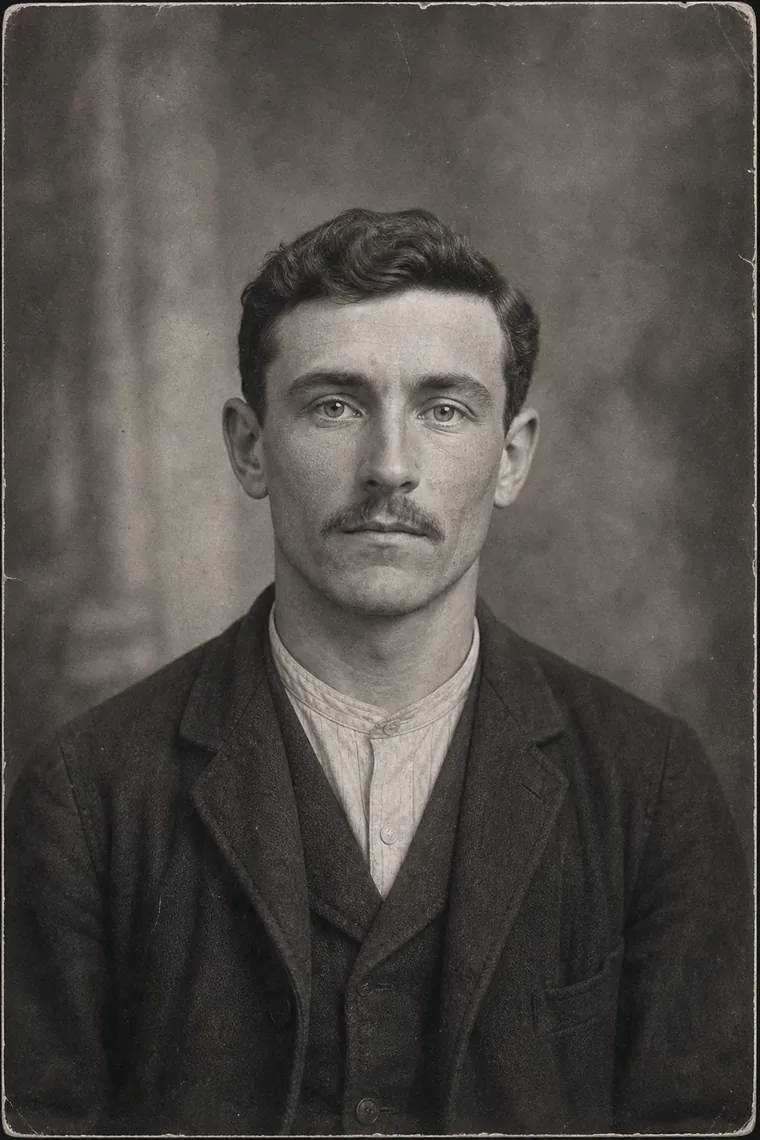
Beyond family relationships
The tree places each face and story within the family
A person’s profile brings together their portrait, biography, anecdotes, life events and archive photos. Their source, approximate date and identified people remain associated with the memory.
A living adult with an account retains control of their profile. Those responsible can enrich the profile of a deceased ancestor or someone without an account, according to their permissions.
Keep family history alive