An old group photo means more when future generations can recognise the faces. Here is how to add names, adjust markers and preserve uncertainty without changing access to the photo.
Choose an image you have permission to share. Note who kept or passed it on and what you know about its date. An uncertain identification deserves a family review before being presented as fact.
A seven-step process
From a file to a documented photo
01
Open the photo in its context
Open the image from a post, album, event or profile photos, then open its documentation when that action is available to you.
02
Add what you know
Add a caption, a date or period, the place and available provenance details. Use “around” or mark uncertainty when the source does not support greater precision.
03
Choose the right person
In the identifications section, search for the person’s profile among the available choices. Check their identity and family relationships to avoid confusing relatives who share a name.
04
Place and adjust the region
Place the marker on the person, adjust the region to distinguish nearby faces and zoom in if needed. Save the placement using the available control.
05
Check whether confirmation is needed
The suggestion follows the rules for the identified person. A living adult with an account confirms for themselves; an authorised representative decides for a child. The displayed status lets you follow the decision.
06
Review the group photo
Search for a name in the list to find its marker. Opening the profile is a separate action from locating someone in the image, so you can check people without losing the photo’s context.
07
Make corrections with your relatives
Ask relatives who know the scene to review the identifications. Correct a placement, remove an incorrect identification and add provenance details as new information is verified.
An example to start with
Three people, an approximate date and a source
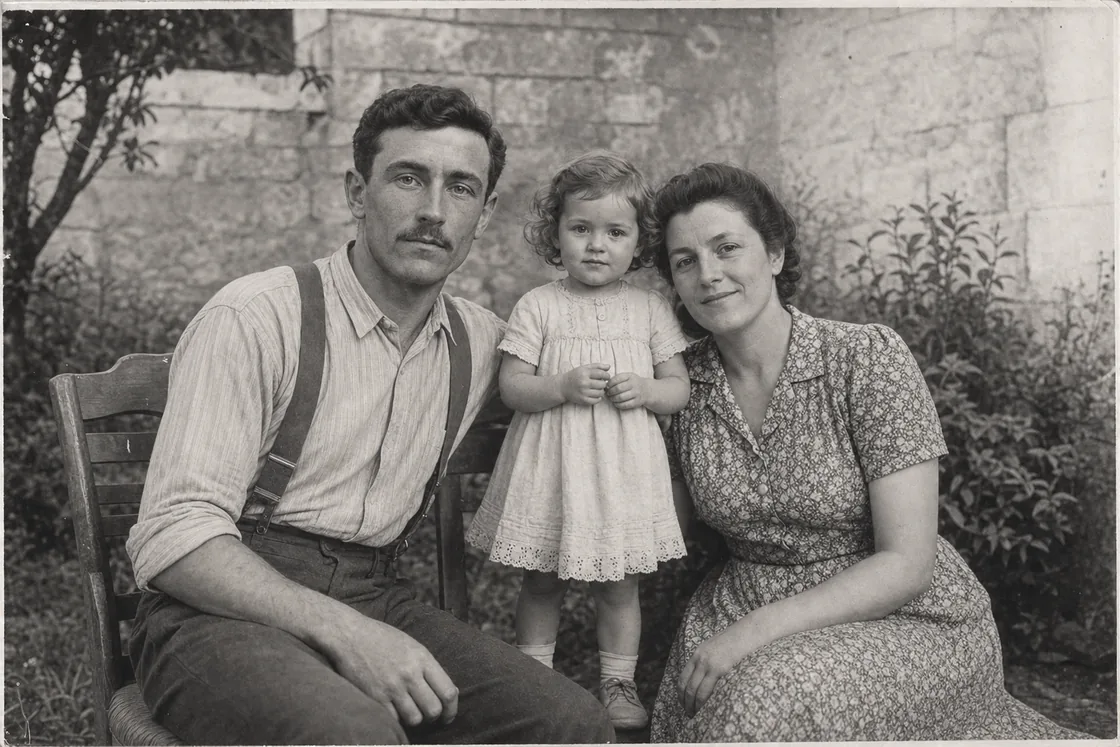
In this fictional example, the family recognises Auguste, his wife and their daughter. Each person’s name can be linked to their profile, while the date remains approximate if no document confirms it.
An entirely fictional photograph used to explain the method.
Access stays unchanged
Identifying, confirming and sharing are separate actions
You can identify people within this photo’s audience, with or without an account. An account must already have access to the photo.
Identification grants no additional access. To share, change the source’s audience separately.
Legacy identification access
Some older identifications may retain individual access to this photo alone for the identified account, without opening its album or post. This access ends on refusal, removal or explicit revocation; access granted elsewhere remains valid.
Declining or removing an identification removes the tag without deleting the photo. It also removes any legacy access granted through that identification; other access remains valid.
Without an account, identification is confirmed immediately. With an account, a living adult confirms for themselves. For a minor, an authorised representative decides; for a deceased person with an account, the owner or an administrator decides.
An accepted identification may make the photo appear in the person’s photos or memories. Every visitor must still be authorised to view that photo; identification opens neither its album nor its original post.
Declining or removing an identification removes the tag without deleting the photo. It also removes any legacy access granted through that identification; other access remains valid.