Share everyday pictures, gather memories from a reunion and find photos linked to a person. Identifications and photo details keep their context within your private space.
Attach photos to a post, an event or an album to suit your needs, then choose who is allowed to see them.
Add photos from a profile
When your permissions allow it, add photos directly to a person’s profile without creating a feed post.
Put a name to a face
Manually identify a person and adjust their region on the photo. Zoom and search help you work with large group photos.
Keep the context
Add a caption and provenance details to an archive photo so you pass on more than a file.
Recognise familiar faces
Make a group photo easier to explore
Markers show where identified people are. Search for a name to find its marker, then use the dedicated action to open the profile. You control the placement: there is no automatic face recognition.
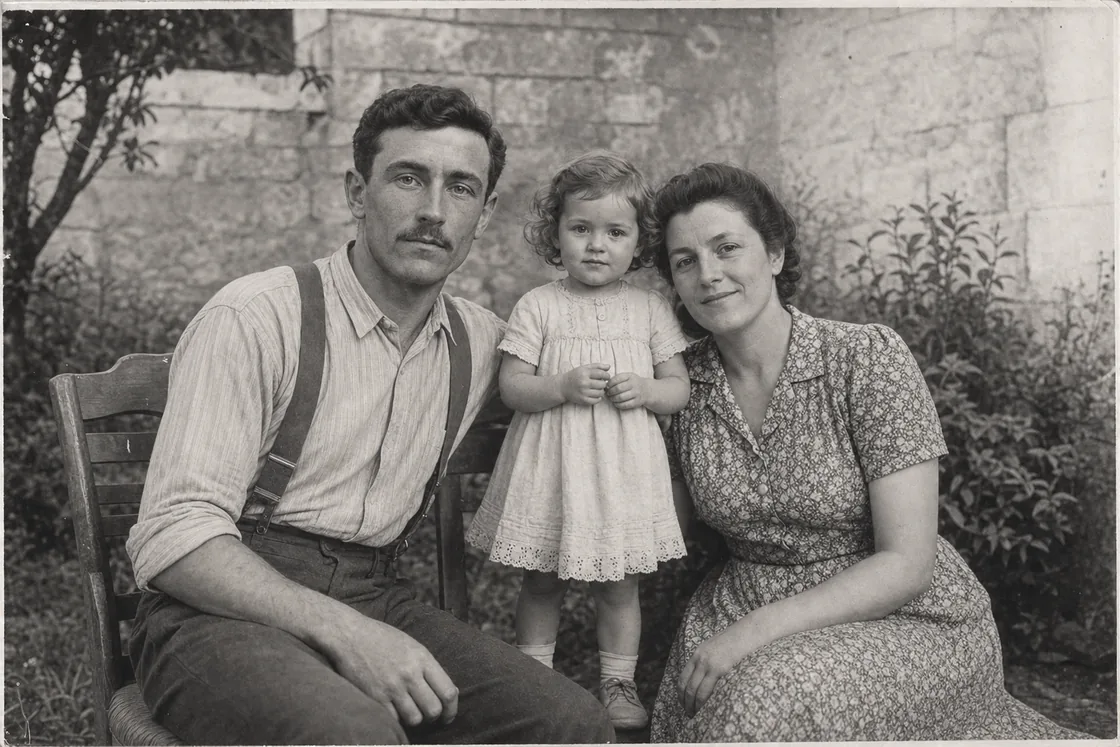
A fictional archive illustrating family memories, with no real family data.
Memories can move, too
Videos in family posts
Posts can also include private MP4 or WebM videos. Playback and downloads follow the permissions of the content they belong to.
Supported formats, file size and available storage govern uploads. Playback of an accepted file can depend on your browser’s capabilities.
Identify people with the right permissions
A name on a photo does not change its audience
You can identify people within this photo’s audience, with or without an account. An account must already have access to the photo.
Identification grants no additional access. To share, change the source’s audience separately.
Legacy identification access
Some older identifications may retain individual access to this photo alone for the identified account, without opening its album or post. This access ends on refusal, removal or explicit revocation; access granted elsewhere remains valid.
Declining or removing an identification removes the tag without deleting the photo. It also removes any legacy access granted through that identification; other access remains valid.
Without an account, identification is confirmed immediately. With an account, a living adult confirms for themselves. For a minor, an authorised representative decides; for a deceased person with an account, the owner or an administrator decides.
An accepted identification may make the photo appear in the person’s photos or memories. Every visitor must still be authorised to view that photo; identification opens neither its album nor its original post.
Keep exploring with your family
Give your memories context
Start with a few photos you have permission to share, then add to them with your family.